
Editor's note
A hero that hides the picture – it only appears under the cursor.
One product or a whole collection
Reveal a single product picture, or a staggered field of products from a collection. The label at the lens always names what's under it, with its price.
Four ways to reveal
An ink trail that dries back, an X-ray scan, a second picture under the lens, or a light in the dark – one setting, each with its own preset.
Works without a mouse
On touch screens the lens travels by itself over the product and keeps clear of your text. A tap moves it, a tap on the lens opens the product.
Chapter 01
Ink

The spring edit — 12 objects
Move to reveal
Things for
slow days
Twelve objects for mornings that take their time.
The cursor leaves a soft ink trail that shows the picture and slowly dries back.
Chapter 02
X-Ray
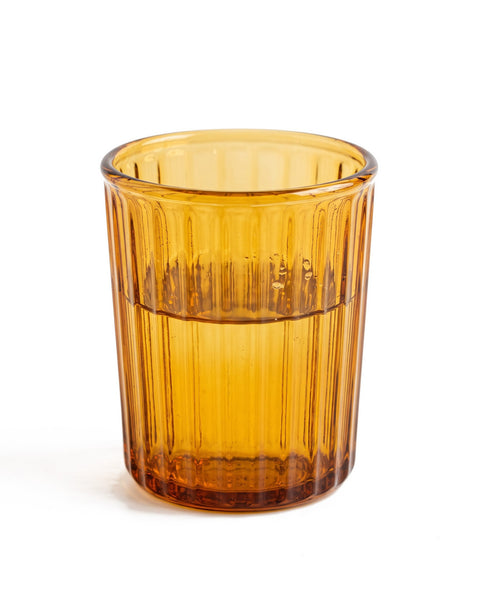

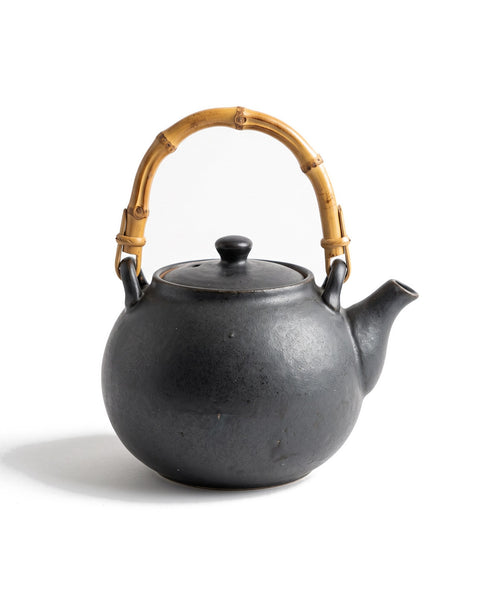

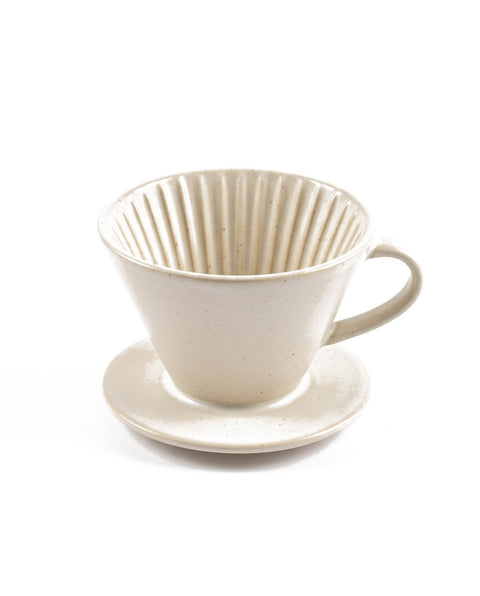
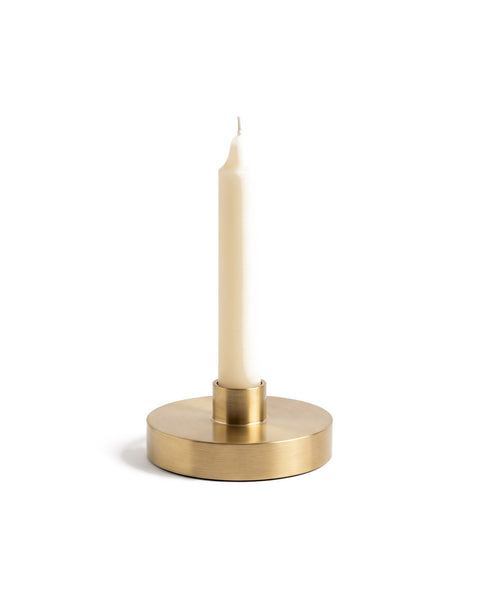
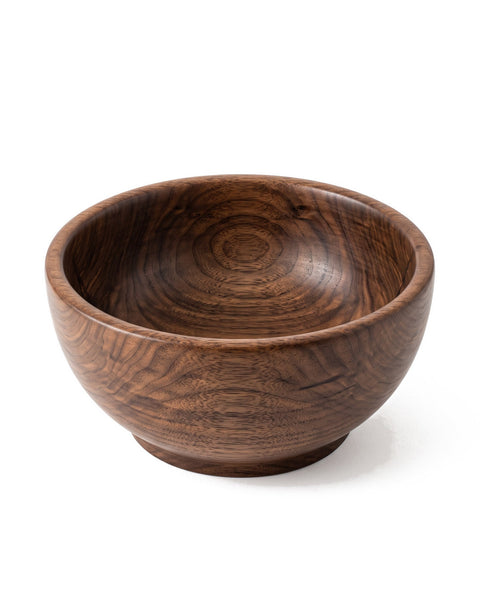
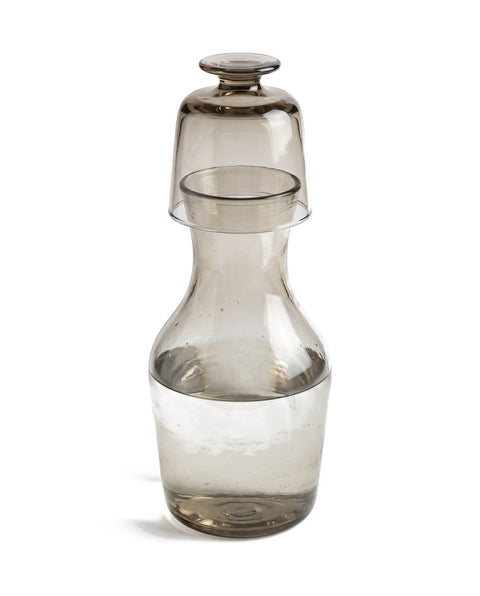

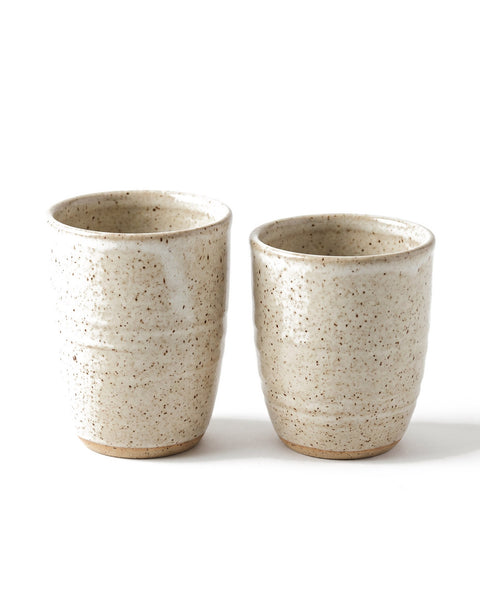
The spring edit — 12 objects
Move to scan
Made to be
looked through.
Twelve objects for mornings that take their time.
The picture lies under its own X-ray: greyscale, inverted, tinted, with a fine grid.
Chapter 03
Inside


New in — ceramics
Move to look inside
Look closer.
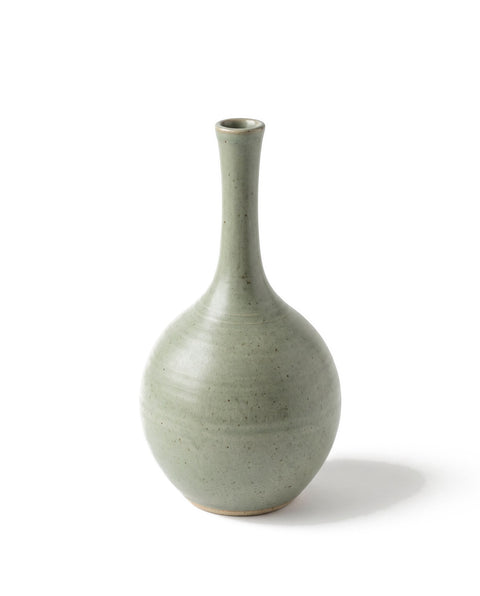
Bud Vase in celadon. Thrown on the wheel, glazed twice, never quite the same.
The cover is the product picture itself. The lens shows a second picture in the same place – the material, the detail, the product in use.
Chapter 04
Spotlight

After dark — 12 objects
Move the light
Light the
slow hours.
Twelve objects for evenings that take their time.
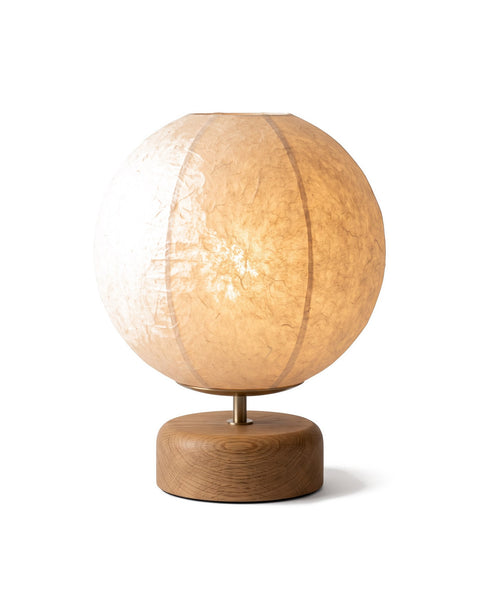
A dark stage where the picture only shows as a hint. The cursor is a soft light, the price tag hangs on it.
Up next